
https://player.vimeo.com/video/612750805?h=783802b885
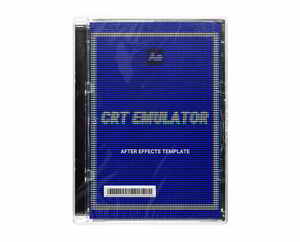
Easily convert any footage or text into a retro image with simple drag and drop in After Effects. This Ae template will automatically pixelate and emulate an old CRT monitor or vintage television set.
Includes 3 separate templates:
Simple CRT
Pixelated
Horizontal Lines
Once downloaded, you will find three different Ae 2020 project files + image placeholder file. In Ae, simply double click on the layer that reads, “DOUBLE-CLICK TO CHANGE IMAGE”. This will open up a composition where you can either change the placeholder file or just start dragging in your own footage to this comp. Once you go back to the main comp, you’ll see the pixelation in effect.
WHAT’S INCLUDED?
4K TEMPLATES (AFTER EFFECTS – .AEP)
Horizontal Lines (5:00)
Pixelate (5:00)
Simple CRT (5:00)
BONUS
Read Me instructional PDF
Assets for After Effects Templates
HD TEMPLATES (AFTER EFFECTS – .AEP)
Horizontal Lines (5:00)
Pixelate (5:00)
Simple CRT (5:00)
Size:19.5 MB
home page
Pterosaurae » Video Milkshake – CRT Emulator [Retro Pixelation After Effect Template]
