
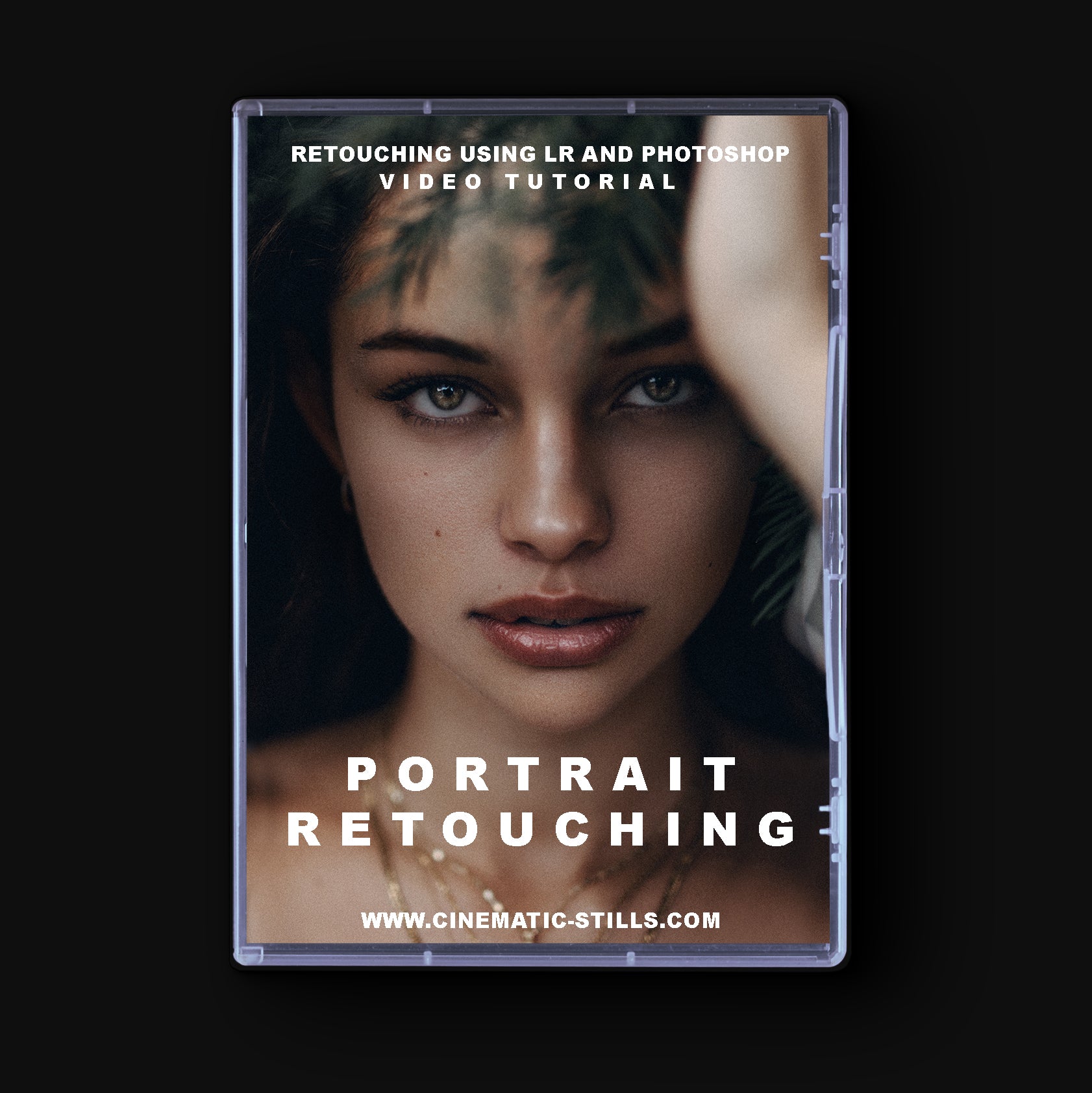
“I‘ll teach you all the techniques I personally use to retouch my portraits with Lightroom and Photoshop.
It took me a few years to find my own ways to edit after going through tons of tons of different tutorials to cover all the different aspects of editing a portrait.
I want for you to be able to save your time and get all you need to know in one 45 min long video!
I do believe that everyone will be able to achieve amazing results with this tutorial and step up their editing game a lot!”
What we will cover:
Basic photography tips and camera settings
Framing & how to crop right (Lightroom)
Basic adjustments, working with my preset (Lightroom)
Enhance eyes (Lightroom)
how to use frequency separation (Photoshop)
local and global dodge & burn (Photoshop)
remove blemishes (Photoshop)
Final editing on eyes (Photoshop)
How to bring out freckles in (Photoshop)
Final adjustments in lighting (Photoshop)
Final adjustments in coloring (Photoshop)
How to sharpen to get the crisp look (Photoshop)
How to export right for Instagram and regular use (Photoshop)
Size:899 MB
home page
https://cinematic-stills.com/products/tutorial-high-quality-portrait-editing
Pterosaurae » Cinematic Stills High Quality Portrait Retouching Tutorial
