
TikTok
https://v.douyin.com/iJhd60kA11Y/
https://v.douyin.com/ioSzwdK1sEs/
P2P | Date: 2025.12 | Size: 333.1 MB
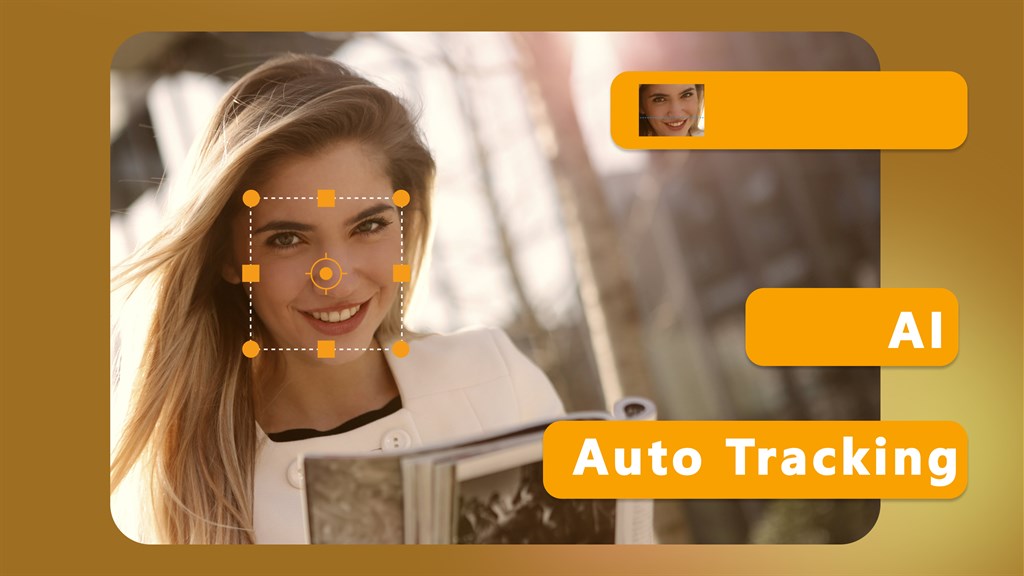
Blur Face (Motion Tracking Video Editor) allows you to continuously track a specific area in your video. Once tracking is complete, you can choose to apply a blur or mosaic effect to the area to cover or protect private information such as faces, license plates, signs and confidential information on paper in your video. Now also add personalized messages or captions to your videos using a variety of fonts, sizes and colors, or further personalize your videos with pre-designed clipart illustrations of popular themes.
Motion tracking
Continuously track an area of the video and adapt to its size.
Apply effects
Apply blur and mosaic effects to the tracking area and be able to adjust the intensity of the effect.
Personalization
Add text or clip art to the tracking area.
Export video
Export the processed video in MP4 format without losing the original quality.
home page
Free Download:
Nero.Blur.Face-AI.Motion.Tracking.Video.Editor.1.0.51.0
链接: https://pan.baidu.com/s/1i2t60DgJhBctZxqp9XN5Hg?pwd=8iwm
提取码: 8iwm
Pterosaurae » Free Download:Nero Blur Face - AI Motion Tracking Video Editor 1.0.51.0
